v3.0.0-beta.4
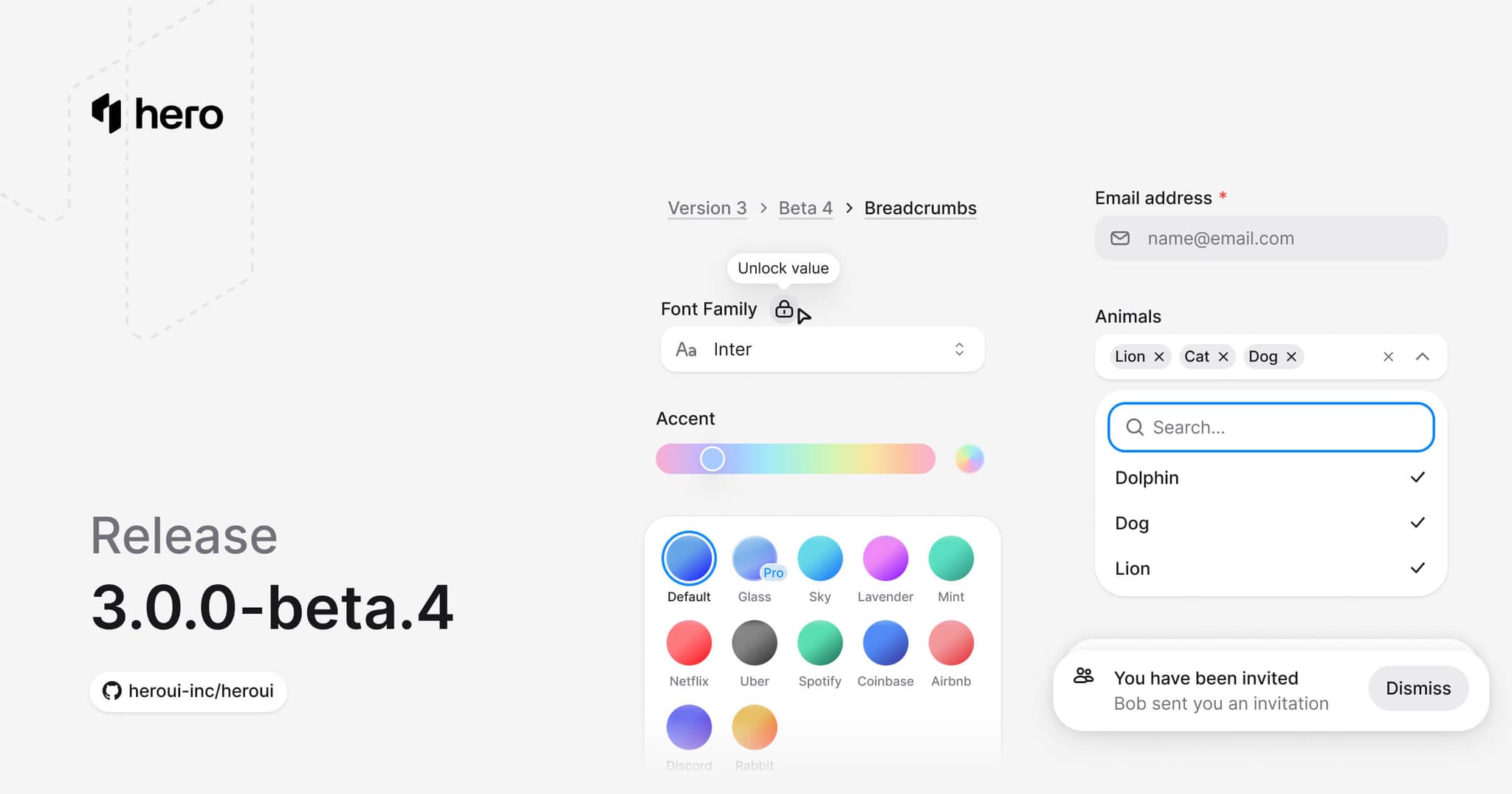
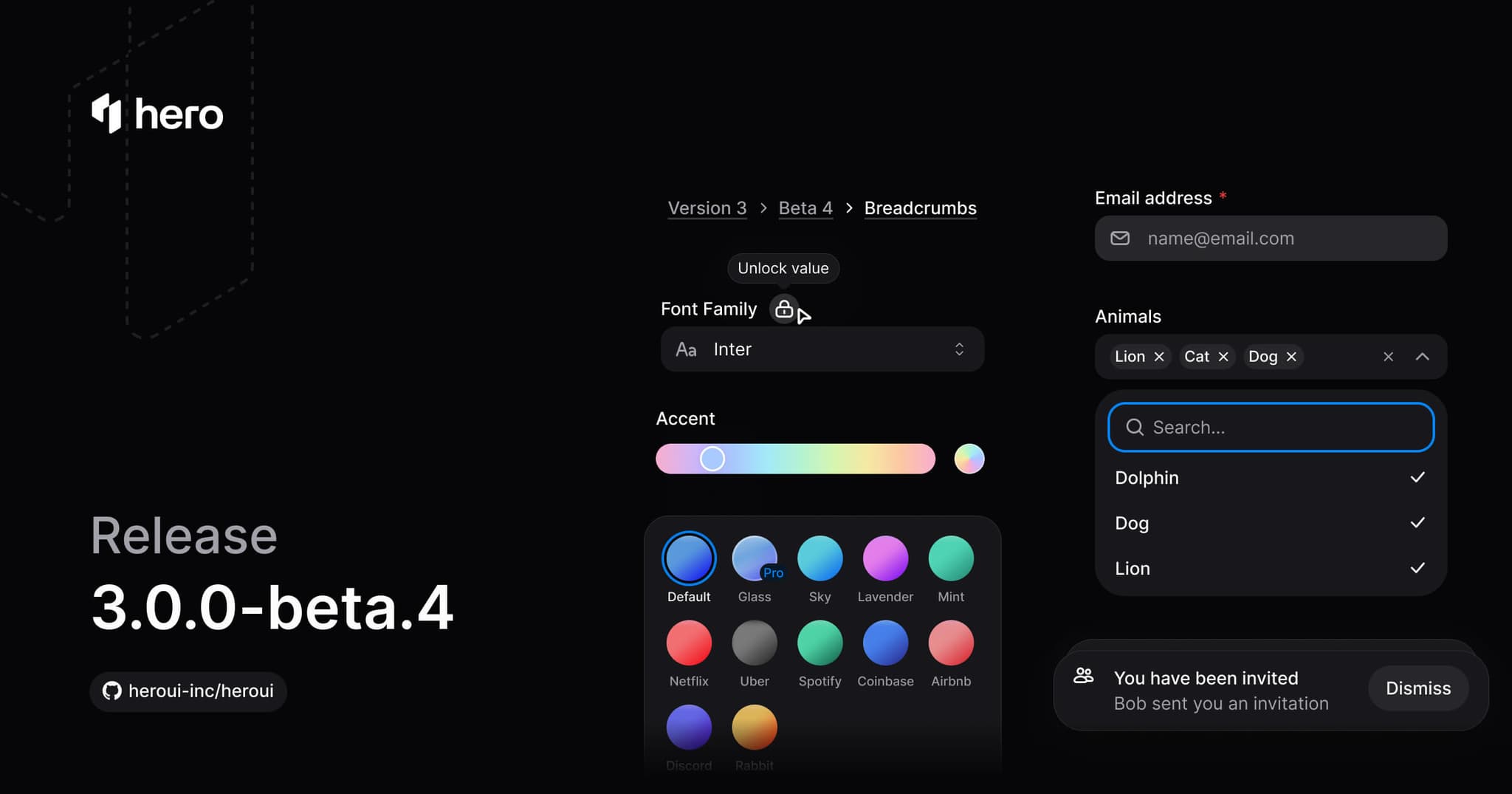
New Theme Builder, three new components (Autocomplete, Breadcrumbs, Toast), Tabs secondary variant, Input/InputGroup variants, and various improvements.
Critical Build Issue Fixed: This version (beta.4) had a critical build issue that has been fixed in beta.5. Please upgrade to @heroui/styles@3.0.0-beta.5 and @heroui/react@3.0.0-beta.5 to ensure proper TypeScript declaration generation and export resolution.
This release introduces the new Theme Builder for visual theme customization, three new components (Autocomplete, Breadcrumbs, Toast), adds secondary variant to Tabs, primary/secondary variants to Input and InputGroup, TextArea support for InputGroup, and ⚠️ breaking changes removing Link's underline variants and the isInSurface prop from form components.
Installation
Update to the latest version:
npm i @heroui/styles@beta @heroui/react@betapnpm add @heroui/styles@beta @heroui/react@betayarn add @heroui/styles@beta @heroui/react@betabun add @heroui/styles@beta @heroui/react@betaUsing AI assistants? Simply prompt "Hey Cursor, update HeroUI to the latest version" and your AI assistant will automatically compare versions and apply the necessary changes. Learn more about the HeroUI MCP Server.
What's New
Theme Builder
We're excited to introduce the Theme Builder - a powerful visual tool for creating and customizing HeroUI themes. Build your perfect theme with real-time preview and export ready-to-use CSS.
Key features:
- Visual Color Editing: Adjust colors using OKLCH color pickers with intuitive sliders for lightness, chroma, and hue
- Real-time Preview: See your changes instantly on live component previews
- Custom Accent Colors: Define your brand colors and watch them propagate across all components
- Preset Themes: Start from curated presets like Default, Airbnb, Coinbase, Discord, and more
- Export Ready: Generate CSS variables ready to copy into your project
- Light & Dark Mode: Customize both themes simultaneously with linked or independent values
- Keyboard Shortcuts: Undo/redo support and quick actions for efficient workflow
Try it now at v3.heroui.com/themes.
New Components
This release introduces 3 new essential components:
- Autocomplete: Combines a select with filtering, allowing users to search and select from a list of options. (Documentation)
- Breadcrumbs: Navigation breadcrumbs showing the current page's location within a hierarchy. (Documentation)
- Toast: Display temporary notifications and messages with automatic dismissal and customizable placement. (Documentation)
Autocomplete
"use client";

import type {Key} from "@heroui/react";

import {Breadcrumbs
"use client";

import {Breadcrumbs} from "@heroui/react";

export default function BreadcrumbsBasic() {Toast
This component is currently in preview and some features might not work as expected.
"use client";

import {HardDrive, Persons} from "@gravity-ui/icons";
import {Button, toast} from "@heroui/react";
Component Improvements
Tabs Secondary Variant
Added a new secondary variant to Tabs with an underline indicator style. The secondary variant supports both horizontal and vertical orientations.
View your project overview and recent activity.
import {Tabs} from "@heroui/react";

export function Secondary() {
  return (
<Tabs className="w-full max-w-md" variant="secondary">Usage:
<Tabs variant="secondary">
  <Tabs.ListContainer>
    <Tabs.List aria-label="Options">
      <Tabs.Tab id="overview">
        Overview
        <Tabs.Indicator />
      </Tabs.Tab>
      <Tabs.Tab id="analytics">
        Analytics
        <Tabs.Indicator />
      </Tabs.Tab>
    </Tabs.List>
  </Tabs.ListContainer>
  <Tabs.Panel id="overview">Content</Tabs.Panel>
  <Tabs.Panel id="analytics">Content</Tabs.Panel>
</Tabs>
Input Variants
Added primary and secondary variants to the Input component:
primary(default): Standard styling with shadow, suitable for most use casessecondary: Lower emphasis variant without shadow, suitable for use in Surface components
import {Input} from "@heroui/react";

export function Variants() {
  return (
    <div className="flex w-[240px] flex-col gap-2">
      <Input fullWidth placeholder="Primary input" variant="primary" />
      <Input fullWidth placeholder="Secondary input" variant="secondary" />
    </div>
  );
}InputGroup Enhancements
The InputGroup component received several improvements:
TextArea Support: Use InputGroup.TextArea for multiline text inputs with prefix and suffix elements.
"use client";

import {ArrowUp, At, Microphone, PlugConnection, Plus} from "@gravity-ui/icons";
import {Button, InputGroup, Kbd, Spinner, TextField, Tooltip} from "@heroui/react";
import {useState} from "react";Variants: Added primary and secondary variants matching the Input component.
import {Envelope} from "@gravity-ui/icons";
import {InputGroup, Label, TextField} from "@heroui/react";

export function Variants() {
return (Button & ButtonGroup Outline Variants
Added a new outline variant to both Button and ButtonGroup components for outlined styling.
Button
ButtonGroup
import {Button, ButtonGroup} from "@heroui/react";

export function OutlineVariant() {
  return (
<div className="flex flex-col gap-6">AlertDialog Size Support
Added size support to AlertDialog component, allowing you to control the dialog size.
"use client";

import {Rocket} from "@gravity-ui/icons";
import {AlertDialog, Button} from "@heroui/react";
Checkbox Animation Improvements
Faster animation and increased stroke width for better feedback on Checkbox.
import {Checkbox, Label} from "@heroui/react";

export function Basic() {
  return (
<Checkbox id="basic-terms">Link Text Decoration
The Link component now uses Tailwind CSS classes for text decoration instead of built-in variants. This provides more flexibility and follows Tailwind conventions.
Available Tailwind utilities:
underline- Always visible underlineno-underline- Remove underlinehover:underline- Underline appears on hoverdecoration-primary,decoration-secondary, etc. - Set underline colordecoration-1,decoration-2,decoration-4- Control thicknessunderline-offset-1,underline-offset-2, etc. - Adjust spacing
Always visible underline
Underline always visibleUnderline visible on hover
Hover to see the underlineNo underline
Link without any underlineChanging the underline offset
import {Link} from "@heroui/react";

export function LinkUnderlineAndOffset() {
  return (
<div className="flex flex-col gap-6">⚠️ Breaking Changes
Link Component - Removed Underline Variants
The Link component's built-in underline and underlineOffset props have been removed. Use Tailwind CSS classes instead for text decoration.
Before:
<Link href="#" underline="hover" underlineOffset={4}>
  Link text
</Link>
After:
<Link href="#" className="hover:underline underline-offset-4">
  Link text
</Link>
Available Tailwind classes:
underline,no-underline,hover:underline- Decoration linedecoration-primary,decoration-muted, etc. - Decoration colordecoration-solid,decoration-dashed,decoration-dotted- Decoration styledecoration-1,decoration-2,decoration-4- Decoration thicknessunderline-offset-1,underline-offset-2,underline-offset-4- Underline offset
For more details, see the Link documentation.
Form Components - Removed isInSurface Prop
The isInSurface prop and automatic surface detection have been removed from form-based components. Instead, use the variant="secondary" prop when placing form components inside Surface, Card, or other surface-based containers.
Before:
<Surface>
  {/* Input automatically detected surface context */}
  <Input isInSurface />
</Surface>
After:
<Surface>
  {/* Use variant="secondary" for surface backgrounds */}
  <Input variant="secondary" />
</Surface>
Affected components:
- Input
- InputGroup
- TextField
- TextArea
- SearchField
- NumberField
- DateField
- TimeField
- Select
- ComboBox
- Autocomplete
The secondary variant provides lower emphasis styling without shadow, which is appropriate for use on surface backgrounds.
Style Fixes
- Button: Updated secondary button colors for improved visual consistency
- Checkbox: Optimized animation speed and increased stroke width for better feedback (see Checkbox Animation Improvements)
- Link: Updated decoration styles and transition timings
- Focus Visible: Added
:not(:focus)to focus-visible selectors to prevent conflicts with hover states - Separator: Fixed styles to only apply to horizontal separator
Bug Fixes
- Fixed Link with Button variants styling
- Fixed Fieldset flexbox quirk in Safari with BEM styles
- Fixed SearchField empty state to properly disable clear button
- Fixed ButtonGroup context to only apply to direct children
- Fixed ButtonGroup
BUTTON_GROUP_CHILDre-export for type declarations
Dependencies
Direct Exports from React Aria Components
HeroUI now provides direct exports from react-aria-components for easier access to primitives and utilities. These exports are particularly useful for React Aria Framework setup.
Providers:
RouterProvider- Configure React Aria links to use your client-side routerI18nProvider- Set the locale used by React Aria components
Hooks and Utilities:
isRTL- Check if a locale is right-to-leftuseLocale- Access the current locale and directionuseFilter- Filter and sort collections
Components:
Collection- Collection component for managing listsListBoxLoadMoreItem- ListBox item for loading more items
i18n Utilities:
getLocalizationScript- Get localization script for server-side rendering (fromreact-aria-components/i18n)
All of these can be imported directly from @heroui/react:
import {
  RouterProvider,
  I18nProvider,
  isRTL,
  useLocale,
  useFilter,
  getLocalizationScript
} from "@heroui/react";
Links
- Theme Builder
- Component Documentation
- Design System - Figma Kit V3 (updated)
- GitHub Repository
- GitHub PR #6121
Contributors
Thanks to everyone who contributed to this release!