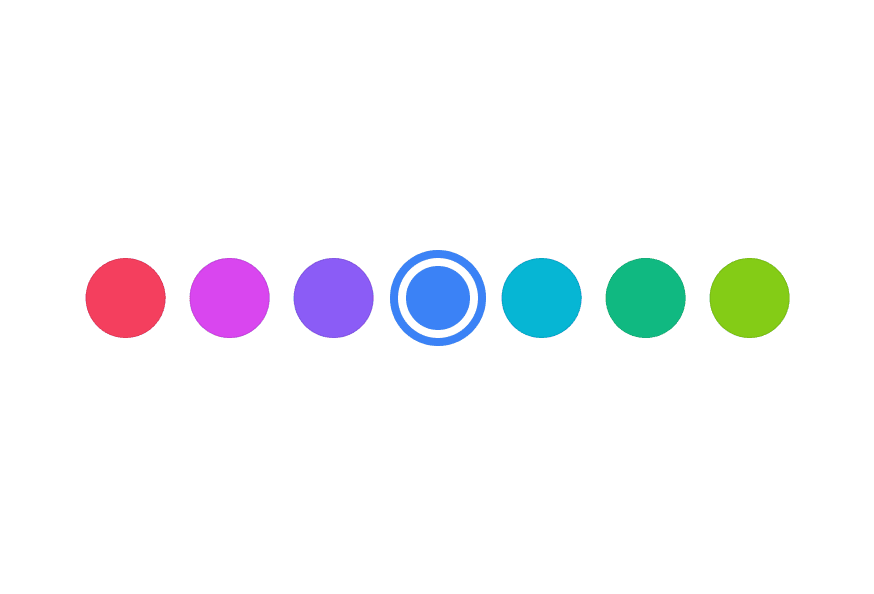
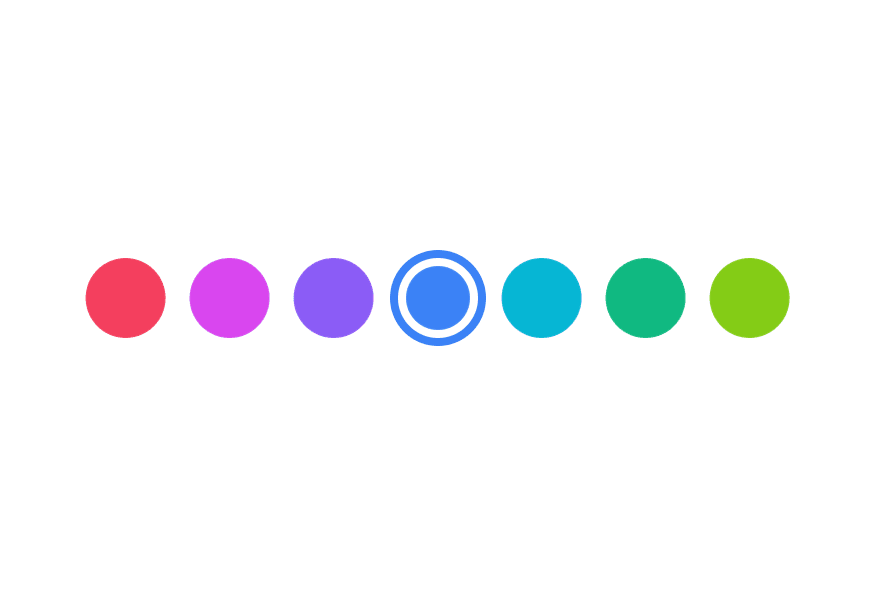
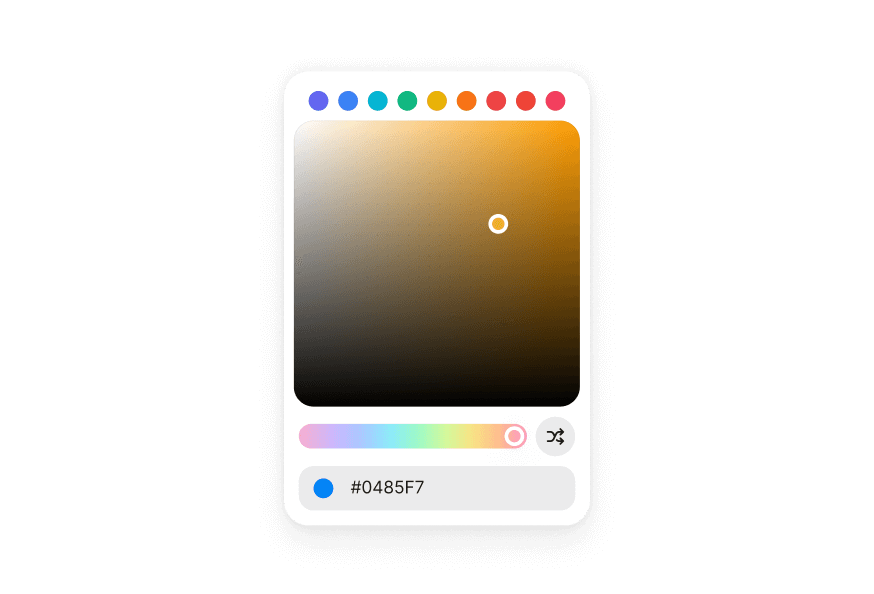
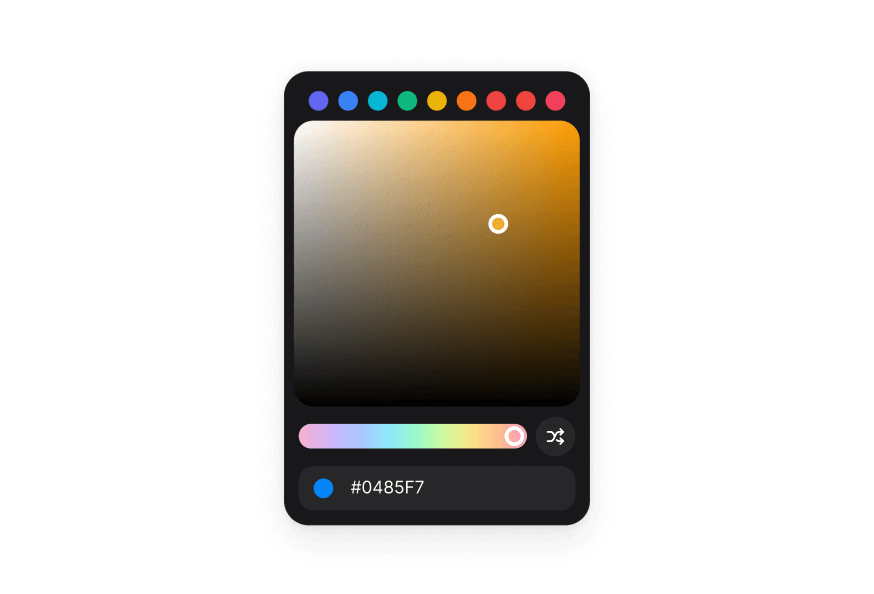
ColorFieldNew
Color input field with labels, descriptions, and validation built on React Aria ColorField
Import
import { ColorField, parseColor } from '@heroui/react';Usage
"use client";

import type {Color} from "@heroui/react";

import {ColorField, ColorInputGroup, ColorSwatch, Label, parseColor} from "@heroui/react";Anatomy
import {ColorField, Label, ColorInputGroup, ColorSwatch, Description, FieldError, parseColor} from '@heroui/react';

export default () => (
  <ColorField>
    <Label />
    <ColorInputGroup>
      <ColorInputGroup.Prefix>
        <ColorSwatch color="#000000" />
      </ColorInputGroup.Prefix>
      <ColorInputGroup.Input />
    </ColorInputGroup>
    <Description />
    <FieldError />
  </ColorField>
)
ColorField combines label, color input, description, and error into a single accessible component.
With Description
import {ColorField, ColorInputGroup, Description, Label} from "@heroui/react";

export function WithDescription() {
  return (
<div className="flex flex-col gap-4">Required Field
import {ColorField, ColorInputGroup, Description, Label} from "@heroui/react";

export function Required() {
  return (
<div className="flex flex-col gap-4">Validation
Use isInvalid together with FieldError to surface validation messages.
import {ColorField, ColorInputGroup, FieldError, Label} from "@heroui/react";

export function Invalid() {
  return (
<div className="flex flex-col gap-4">Channel Editing
ColorField supports editing individual color channels (hue, saturation, lightness, red, green, blue, alpha) by setting the colorSpace and channel props.
Edit individual HSL channels:
"use client";

import type {Color} from "@heroui/react";

import {ColorField, ColorInputGroup, ColorSwatch, Label, parseColor} from "@heroui/react";Controlled
Control the value to synchronize with other components or state management.
"use client";

import type {Color} from "@heroui/react";

import {Disabled State
"use client";

import {ColorField, ColorInputGroup, Description, Label} from "@heroui/react";

export function Disabled() {Full Width
import {ColorField, ColorInputGroup, Label} from "@heroui/react";

export function FullWidth() {
  return (
<div className="w-[400px] space-y-4">Variants
The ColorInputGroup component supports two visual variants:
primary(default) - Standard styling with shadow, suitable for most use casessecondary- Lower emphasis variant without shadow, suitable for use in Surface components
import {ColorField, ColorInputGroup, Label} from "@heroui/react";

export function Variants() {
  return (
<div className="flex flex-col gap-4">On Surface
When used inside a Surface component, use variant="secondary" on ColorInputGroup to apply the lower emphasis variant suitable for surface backgrounds.
import {ColorField, ColorInputGroup, Description, Label, Surface} from "@heroui/react";

export function OnSurface() {
  return (
<Surface className="w-[320px] p-4">Form Example
Complete form example with validation and submission handling.
"use client";

import type {Color} from "@heroui/react";

import {Styling
Passing Tailwind CSS classes
import {ColorField, Label, ColorInputGroup, ColorSwatch, Description} from '@heroui/react';

function CustomColorField() {
  return (
    <ColorField className="gap-2 rounded-xl border border-border/60 bg-surface p-4 shadow-sm">
      <Label className="text-sm font-semibold text-default-700">
        Brand Color
      </Label>
      <ColorInputGroup className="rounded-lg border border-border/60 bg-surface px-3 py-2">
        <ColorInputGroup.Prefix>
          <ColorSwatch color="#3B82F6" />
        </ColorInputGroup.Prefix>
        <ColorInputGroup.Input />
      </ColorInputGroup>
      <Description className="text-xs text-default-500">
        Select your brand's primary color.
      </Description>
    </ColorField>
  );
}
Customizing the component classes
ColorField has minimal default styling. Override the .color-field class to customize the container styling.
@layer components {
  .color-field {
    @apply flex flex-col gap-1;

    &[data-invalid="true"],
    &[aria-invalid="true"] {
      [data-slot="description"] {
        @apply hidden;
      }
    }

    [data-slot="label"] {
      @apply w-fit;
    }

    [data-slot="description"] {
      @apply px-1;
    }
  }
}
CSS Classes
.color-field– Root container with minimal styling (flex flex-col gap-1)
Note: Child components (Label, Description, FieldError) have their own CSS classes and styling. See their respective documentation for customization options. ColorInputGroup styling is documented below in the API Reference section.
Interactive States
ColorField automatically manages these data attributes based on its state:
- Invalid:
[data-invalid="true"]or[aria-invalid="true"]- Automatically hides the description slot when invalid - Required:
[data-required="true"]- Applied whenisRequiredis true - Disabled:
[data-disabled="true"]- Applied whenisDisabledis true - Focus Within:
[data-focus-within="true"]- Applied when any child input is focused
API Reference
ColorField Props
ColorField inherits all props from React Aria's ColorField component.
Base Props
| Prop | Type | Default | Description |
|---|---|---|---|
children | React.ReactNode | (values: ColorFieldRenderProps) => React.ReactNode | - | Child components (Label, ColorInputGroup, etc.) or render function. |
className | string | (values: ColorFieldRenderProps) => string | - | CSS classes for styling, supports render props. |
style | React.CSSProperties | (values: ColorFieldRenderProps) => React.CSSProperties | - | Inline styles, supports render props. |
fullWidth | boolean | false | Whether the color field should take full width of its container |
id | string | - | The element's unique identifier. |
Value Props
| Prop | Type | Default | Description |
|---|---|---|---|
value | Color | null | - | Current value (controlled). |
defaultValue | Color | null | - | Default value (uncontrolled). |
onChange | (color: Color | null) => void | - | Handler called when the value changes. |
Channel Props
| Prop | Type | Default | Description |
|---|---|---|---|
colorSpace | ColorSpace | - | The color space that the color field operates in when channel is provided. |
channel | ColorChannel | - | The color channel to edit. If not provided, edits hex value. |
Validation Props
| Prop | Type | Default | Description |
|---|---|---|---|
isRequired | boolean | false | Whether user input is required before form submission. |
isInvalid | boolean | - | Whether the value is invalid. |
validate | (value: Color) => ValidationError | true | null | undefined | - | Custom validation function. |
validationBehavior | 'native' | 'aria' | 'native' | Whether to use native HTML form validation or ARIA attributes. |
State Props
| Prop | Type | Default | Description |
|---|---|---|---|
isDisabled | boolean | - | Whether the input is disabled. |
isReadOnly | boolean | - | Whether the input can be selected but not changed. |
isWheelDisabled | boolean | - | Whether to disable changing the value with scroll. |
Form Props
| Prop | Type | Default | Description |
|---|---|---|---|
name | string | - | Name of the input element, for HTML form submission. |
autoFocus | boolean | - | Whether the element should receive focus on render. |
Accessibility Props
| Prop | Type | Default | Description |
|---|---|---|---|
aria-label | string | - | Accessibility label when no visible label is present. |
aria-labelledby | string | - | ID of elements that label this field. |
aria-describedby | string | - | ID of elements that describe this field. |
aria-details | string | - | ID of elements with additional details. |
Composition Components
ColorField works with these separate components that should be imported and used directly:
- Label - Field label component from
@heroui/react - ColorInputGroup - Color input component from
@heroui/react(documented below) - ColorSwatch - Color preview component from
@heroui/react - Description - Helper text component from
@heroui/react - FieldError - Validation error message from
@heroui/react
Each of these components has its own props API. Use them directly within ColorField for composition:
import {ColorField, Label, ColorInputGroup, ColorSwatch, Description, FieldError, parseColor} from '@heroui/react';

<ColorField
  isRequired
  isInvalid={hasError}
  value={color}
  onChange={setColor}
>
  <Label>Brand Color</Label>
  <ColorInputGroup>
    <ColorInputGroup.Prefix>
      <ColorSwatch color={color?.toString("hex") || "#E4E4E7"} />
    </ColorInputGroup.Prefix>
    <ColorInputGroup.Input />
  </ColorInputGroup>
  <Description>Select your brand's primary color.</Description>
  <FieldError>Please enter a valid color.</FieldError>
</ColorField>
Color Types
ColorField uses Color objects from React Aria Components:
import {parseColor} from '@heroui/react';

// Parse from hex string
const color = parseColor('#3B82F6');

// Get hex string from color
const hex = color.toString('hex'); // "#3b82f6"

// Get RGB values
const rgb = color.toString('rgb'); // "rgb(59, 130, 246)"

// Use in ColorField
<ColorField value={color} onChange={setColor}>
  {/* ... */}
</ColorField>
ColorFieldRenderProps
When using render props with className, style, or children, these values are available:
| Prop | Type | Description |
|---|---|---|
isDisabled | boolean | Whether the field is disabled. |
isInvalid | boolean | Whether the field is currently invalid. |
isReadOnly | boolean | Whether the field is read-only. |
isRequired | boolean | Whether the field is required. |
isFocused | boolean | Whether the field is currently focused. |
isFocusWithin | boolean | Whether any child element is focused. |
isFocusVisible | boolean | Whether focus is visible (keyboard navigation). |
ColorInputGroup Props
ColorInputGroup accepts all props from React Aria's Group component plus the following:
| Prop | Type | Default | Description |
|---|---|---|---|
className | string | - | Tailwind classes merged with the component styles. |
fullWidth | boolean | false | Whether the color input group should take full width of its container |
variant | "primary" | "secondary" | "primary" | Visual variant of the component. primary is the default style with shadow. secondary is a lower emphasis variant without shadow, suitable for use in surfaces. |
ColorInputGroup.Input Props
ColorInputGroup.Input accepts all props from React Aria's Input component plus the following:
| Prop | Type | Default | Description |
|---|---|---|---|
className | string | - | Tailwind classes merged with the component styles. |
placeholder | string | - | Placeholder text shown when empty. |
ColorInputGroup.Prefix Props
ColorInputGroup.Prefix accepts standard HTML div attributes:
| Prop | Type | Default | Description |
|---|---|---|---|
className | string | - | Tailwind classes merged with the component styles. |
children | ReactNode | - | Content to display in the prefix slot. |
ColorInputGroup.Suffix Props
ColorInputGroup.Suffix accepts standard HTML div attributes:
| Prop | Type | Default | Description |
|---|---|---|---|
className | string | - | Tailwind classes merged with the component styles. |
children | ReactNode | - | Content to display in the suffix slot. |
ColorInputGroup Styling
Customizing the component classes
The base classes power every instance. Override them once with @layer components.
@layer components {
  .color-input-group {
    @apply inline-flex h-9 items-center overflow-hidden rounded-field border bg-field text-sm text-field-foreground shadow-field outline-none;

    &:hover,
    &[data-hovered="true"] {
      @apply bg-field-hover;
    }

    &[data-focus-within="true"],
    &:focus-within {
      @apply status-focused-field;
    }

    &[data-invalid="true"] {
      @apply status-invalid-field;
    }

    &[data-disabled="true"],
    &[aria-disabled="true"] {
      @apply status-disabled;
    }
  }

  .color-input-group__input {
    @apply flex flex-1 items-center rounded-none border-0 bg-transparent px-3 py-2 shadow-none outline-none;
  }

  .color-input-group__prefix,
  .color-input-group__suffix {
    @apply shrink-0 text-field-placeholder flex items-center;
  }
}
ColorInputGroup CSS Classes
.color-input-group– Root container styling.color-input-group__input– Input wrapper styling.color-input-group__prefix– Prefix element styling.color-input-group__suffix– Suffix element styling
ColorInputGroup Interactive States
- Hover:
:hoveror[data-hovered="true"] - Focus Within:
[data-focus-within="true"]or:focus-within - Invalid:
[data-invalid="true"](also syncs witharia-invalid) - Disabled:
[data-disabled="true"]or[aria-disabled="true"]