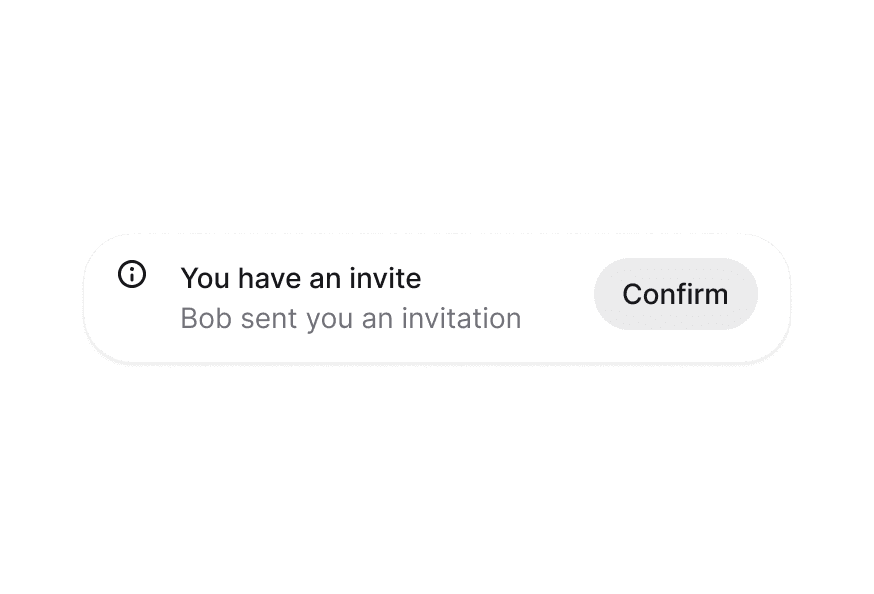
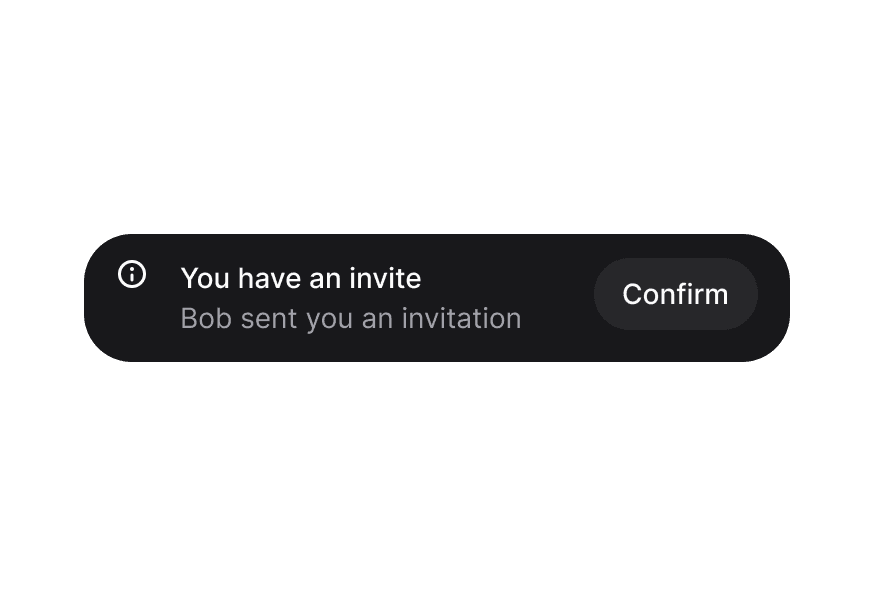
Display temporary notifications and messages to users with automatic dismissal and customizable placement
import { Toast, toast } from '@heroui/react';
Render the provider in the root of your app.
import { Toast, Button, toast } from '@heroui/react';

function App() {
  return (
    <div>
      <Toast.Provider />
      <Button onPress={() => toast("Simple message")}>
        Show toast
      </Button>
    </div>
  );
}
"use client";

import {Persons} from "@gravity-ui/icons";
import {Button, toast} from "@heroui/react";
"use client";

import {Button, toast} from "@heroui/react";

export function Simple() {
"use client";

import {HardDrive, Persons} from "@gravity-ui/icons";
import {Button, toast} from "@heroui/react";
"use client";

import {Star} from "@gravity-ui/icons";
import {Button, toast} from "@heroui/react";
Using toast.promise()
Automatically handles loading, success, and error states
Manual Loading State
Manually control loading state with isLoading prop
"use client";

import {Button, toast} from "@heroui/react";

const uploadFile = (): Promise<{filename: string; size: number}> => {
Closed History
No toasts closed yet. Try closing one above!
"use client";

import {Button, toast} from "@heroui/react";
import React from "react";
"use client";

import type {ToastVariants} from "@heroui/react";

import {Button, Toast, ToastQueue} from "@heroui/react";
"use client";

import type {ToastContentValue} from "@heroui/react";

import {
"use client";

import {Button, Toast, ToastQueue} from "@heroui/react";

export function CustomQueue() {
<Toast.Provider>
  <Toast>
    <Toast.Indicator />
    <Toast.Content>
      <Toast.Title />
      <Toast.Description />
    </Toast.Content>
    <Toast.ActionButton />
    <Toast.CloseButton />
  </Toast>
</Toast.Provider>
<Toast.Provider className="bottom-8 right-8" placement="bottom end" />
To customize the Toast component classes, you can use the @layer components directive.
Learn more.
@layer components {
  .toast {
    @apply rounded-xl shadow-lg;
  }

  .toast__content {
    @apply gap-2;
  }
}
HeroUI follows the BEM methodology to ensure component variants and states are reusable and easy to customize.
The Toast component uses these CSS classes (View source styles):
.toast - Base toast container.toast__region - Toast region container.toast__content - Content wrapper for title and description.toast__indicator - Icon/indicator container.toast__title - Toast title text.toast__description - Toast description text.toast__action - Action button container.toast__close - Close button container
.toast--default - Default gray variant.toast--accent - Accent blue variant.toast--success - Success green variant.toast--warning - Warning yellow/orange variant.toast--danger - Danger red variant
The component supports various states:
- Frontmost:
[data-frontmost] - Applied to the topmost visible toast
- Index:
[data-index] - Applied based on toast position in stack
- Placement:
[data-placement="*"] - Applied based on toast region placement
| Prop | Type | Default | Description |
|---|
placement | "top start" | "top" | "top end" | "bottom start" | "bottom" | "bottom end" | "bottom" | Placement of the toast region |
gap | number | 12 | The gap between toasts in pixels |
maxVisibleToasts | number | 3 | Maximum number of toasts to display at once |
scaleFactor | number | 0.05 | Scale factor for stacked toasts (0-1) |
width | number | string | 460 | Width of the toast in pixels or CSS value |
queue | ToastQueue<T> | - | Custom toast queue instance |
children | ReactNode | ((props: {toast: QueuedToast<T>}) => ReactNode) | - | Custom render function or children |
className | string | - | Additional CSS classes |
| Prop | Type | Default | Description |
|---|
toast | QueuedToast<T> | - | Toast data from queue (required) |
variant | "default" | "accent" | "success" | "warning" | "danger" | "default" | Visual variant of the toast |
placement | ToastVariants["placement"] | - | Placement (inherited from Provider) |
scaleFactor | number | - | Scale factor (inherited from Provider) |
className | string | - | Additional CSS classes |
children | ReactNode | - | Toast content (ToastContent, ToastIndicator, etc.) |
| Prop | Type | Default | Description |
|---|
children | ReactNode | - | Content (typically ToastTitle and ToastDescription) |
className | string | - | Additional CSS classes |
| Prop | Type | Default | Description |
|---|
variant | ToastVariants["variant"] | - | Variant for default icon |
children | ReactNode | - | Custom indicator icon (defaults to variant icon) |
className | string | - | Additional CSS classes |
| Prop | Type | Default | Description |
|---|
children | ReactNode | - | Title text |
className | string | - | Additional CSS classes |
| Prop | Type | Default | Description |
|---|
children | ReactNode | - | Description text |
className | string | - | Additional CSS classes |
| Prop | Type | Default | Description |
|---|
children | ReactNode | - | Action button content |
className | string | - | Additional CSS classes |
All Button props | - | - | Accepts all Button component props |
| Prop | Type | Default | Description |
|---|
className | string | - | Additional CSS classes |
All CloseButton props | - | - | Accepts all CloseButton component props |
A ToastQueue manages the state for a <Toast.Provider>. The state is stored outside React so you can trigger toasts from anywhere in your application.
| Option | Type | Default | Description |
|---|
maxVisibleToasts | number | 3 | Maximum number of toasts to display at once (visual only) |
wrapUpdate | (fn: () => void) => void | - | Function to wrap state updates (e.g., for view transitions) |
| Method | Parameters | Returns | Description |
|---|
add | (content: T, options?: ToastOptions) | string | Add a toast to the queue, returns toast key |
close | (key: string) | void | Close a toast by its key |
pauseAll | () | void | Pause all toast timers |
resumeAll | () | void | Resume all toast timers |
clear | () | void | Close all toasts |
subscribe | (fn: () => void) | () => void | Subscribe to queue changes, returns unsubscribe function |
The default toast function provides convenient methods for showing toasts:
import { toast } from '@heroui/react';

// Basic toast (auto-dismisses after 4 seconds by default)
toast("Event has been created");

// Variant methods (also auto-dismiss after 4 seconds by default)
toast.success("File saved");
toast.info("New update available");
toast.warning("Please check your settings");
toast.danger("Something went wrong");

// With options
toast("Event has been created", {
  description: "Your event has been scheduled for tomorrow",
  variant: "default",
  timeout: 5000, // Custom timeout: 5 seconds
  onClose: () => console.log("Closed"),
  actionProps: {
    children: "View",
    onPress: () => {},
  },
  indicator: <CustomIcon />,
});

// Promise support (automatically shows loading spinner)
toast.promise(
  uploadFile(),
  {
    loading: "Uploading file...",
    success: (data) => `File ${data.filename} uploaded`,
    error: "Failed to upload file",
  }
);

// Manual loading state (persistent toast - no auto-dismiss)
const loadingId = toast("Creating event...", {
  isLoading: true,
  timeout: 0, // Persistent toast that doesn't auto-dismiss
});

// Later, close and show result
toast.close(loadingId);
toast.success("Event created");

// Queue methods
toast.close(key);
toast.clear();
toast.pauseAll();
toast.resumeAll();
| Option | Type | Default | Description |
|---|
title | ReactNode | - | Toast title (first parameter for variant methods) |
description | ReactNode | - | Optional description text |
variant | "default" | "accent" | "success" | "warning" | "danger" | "default" | Visual variant |
indicator | ReactNode | - | Custom indicator icon (null to hide) |
actionProps | ButtonProps | - | Props for action button |
isLoading | boolean | false | Show loading spinner instead of indicator |
timeout | number | 4000 | Auto-dismiss timeout in milliseconds. Defaults to 4000ms (4 seconds). Set to 0 for persistent toasts that don't auto-dismiss |
onClose | () => void | - | Callback when toast is closed |
| Option | Type | Default | Description |
|---|
loading | ReactNode | - | Message shown while promise is pending |
success | ReactNode | ((data: T) => ReactNode) | - | Message shown on success (can be function) |
error | ReactNode | ((error: Error) => ReactNode) | - | Message shown on error (can be function) |