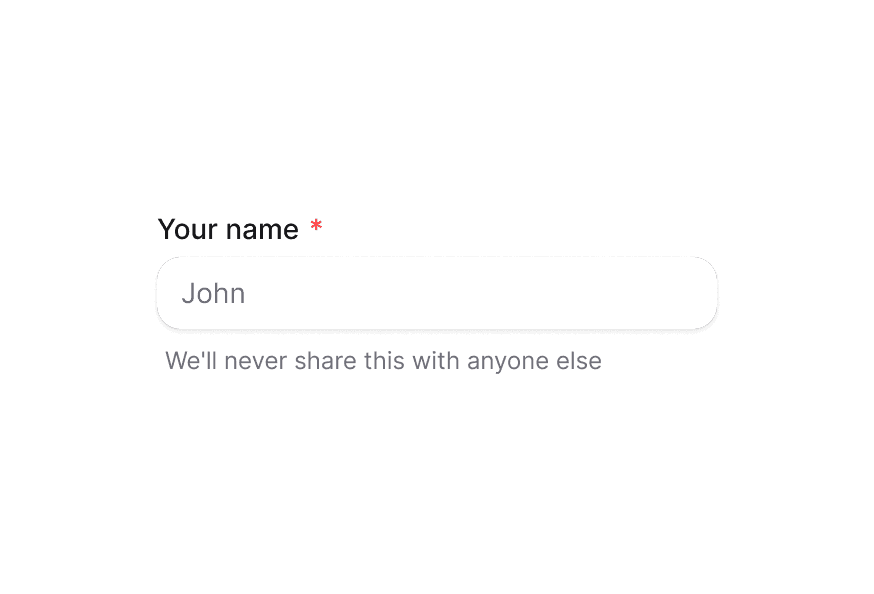
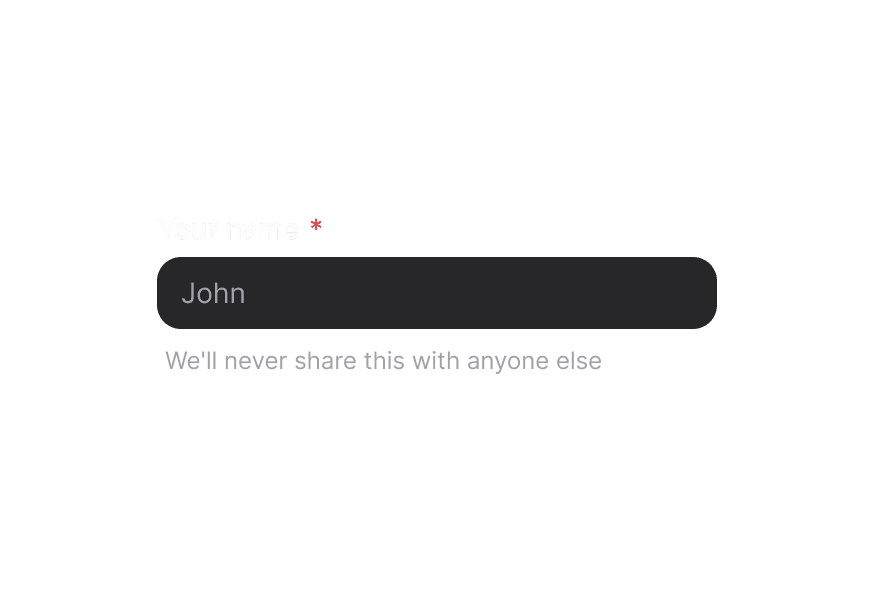
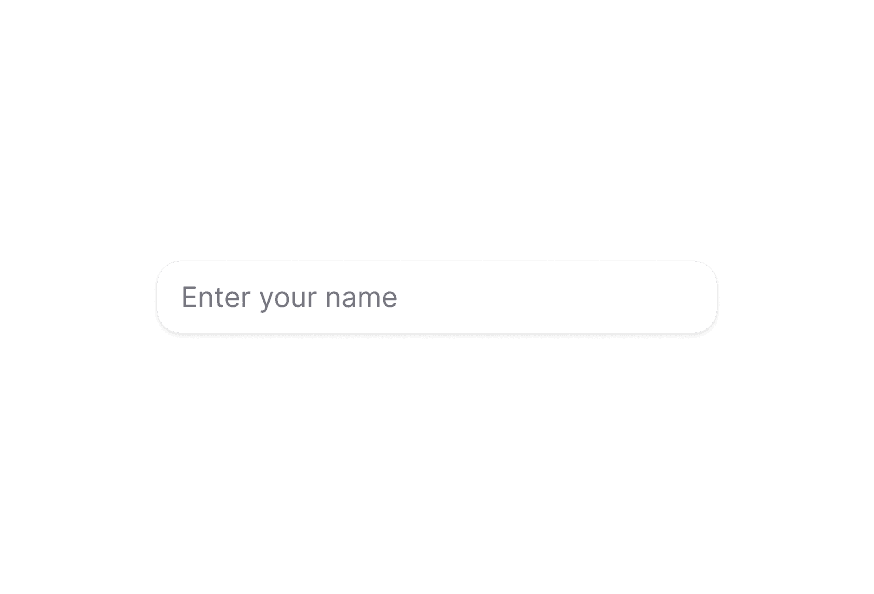
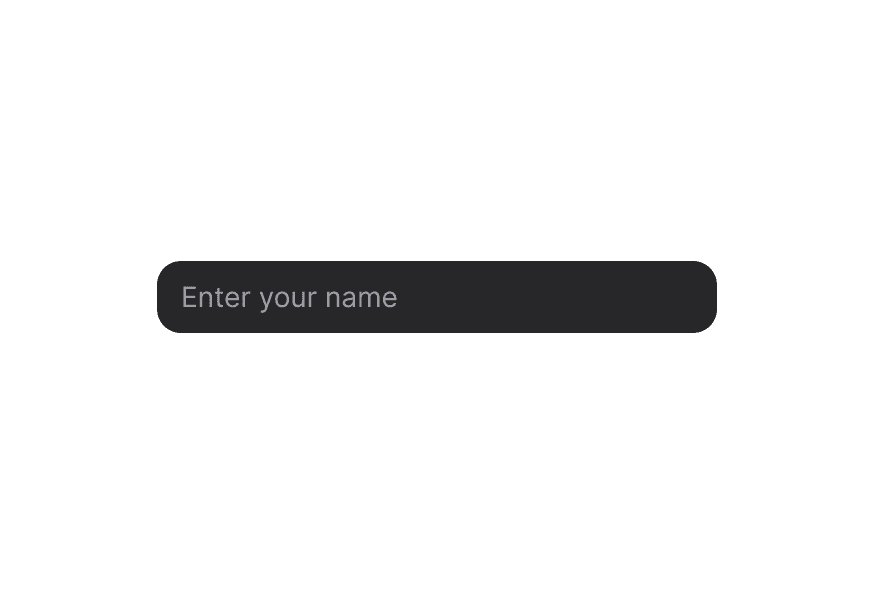
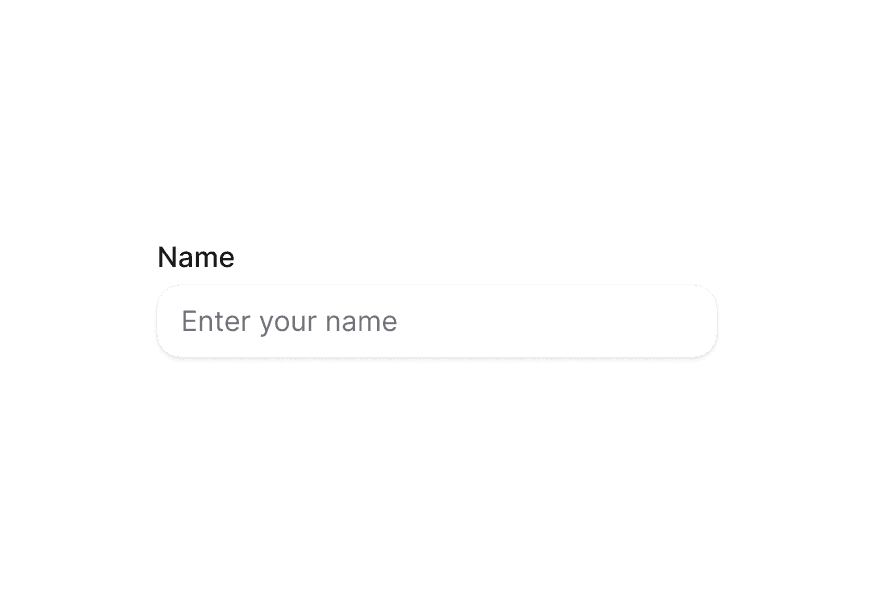
InputGroup
Group related input controls with prefix and suffix elements for enhanced form fields
Import
import { InputGroup } from '@heroui/react';Usage
"use client";

import {Envelope} from "@gravity-ui/icons";
import {InputGroup, Label, TextField} from "@heroui/react";
Anatomy
import {InputGroup, TextField, Label} from '@heroui/react';

export default () => (
  <TextField>
    <Label />
    <InputGroup>
      <InputGroup.Prefix />
      <InputGroup.Input /> {/* Or use InputGroup.TextArea for multiline input */}
      <InputGroup.Suffix />
    </InputGroup>
  </TextField>
)
InputGroup wraps an input field with optional prefix and suffix elements, creating a visually cohesive group. It's typically used within TextField to add icons, text, buttons, or other elements before or after the input. Use InputGroup.Input for single-line inputs or InputGroup.TextArea for multiline text inputs.
With Prefix Icon
Add an icon before the input field.
"use client";

import {Envelope} from "@gravity-ui/icons";
import {Description, InputGroup, Label, TextField} from "@heroui/react";
With Suffix Icon
Add an icon after the input field.
"use client";

import {Envelope} from "@gravity-ui/icons";
import {Description, InputGroup, Label, TextField} from "@heroui/react";
With Prefix and Suffix
Combine both prefix and suffix elements.
"use client";

import {Description, InputGroup, Label, TextField} from "@heroui/react";

export function WithPrefixAndSuffix() {Text Prefix
Use text as a prefix, such as currency symbols or protocol prefixes.
"use client";

import {InputGroup, Label, TextField} from "@heroui/react";

export function WithTextPrefix() {Text Suffix
Use text as a suffix, such as domain extensions or units.
"use client";

import {InputGroup, Label, TextField} from "@heroui/react";

export function WithTextSuffix() {Icon Prefix and Text Suffix
Combine an icon prefix with a text suffix.
"use client";

import {Globe} from "@gravity-ui/icons";
import {InputGroup, Label, TextField} from "@heroui/react";
Copy Button Suffix
Add an interactive button in the suffix, such as a copy button.
"use client";

import {Copy} from "@gravity-ui/icons";
import {Button, InputGroup, Label, TextField} from "@heroui/react";
Icon Prefix and Copy Button
Combine an icon prefix with an interactive button suffix.
"use client";

import {Copy, Globe} from "@gravity-ui/icons";
import {Button, InputGroup, Label, TextField} from "@heroui/react";
Password Toggle
Use a button in the suffix to toggle password visibility.
"use client";

import {Eye, EyeSlash} from "@gravity-ui/icons";
import {Button, InputGroup, Label, TextField} from "@heroui/react";
import {useState} from "react";Loading State
Show a loading spinner in the suffix to indicate processing.
"use client";

import {InputGroup, Spinner, TextField} from "@heroui/react";

export function WithLoadingSuffix() {Keyboard Shortcut
Display keyboard shortcuts using the Kbd component.
"use client";

import {InputGroup, Kbd, TextField} from "@heroui/react";

export function WithKeyboardShortcut() {Badge Suffix
Add a badge or chip in the suffix to show status or labels.
"use client";

import {Chip, InputGroup, TextField} from "@heroui/react";

export function WithBadgeSuffix() {Required Field
InputGroup respects the required state from its parent TextField.
"use client";

import {Envelope} from "@gravity-ui/icons";
import {Description, InputGroup, Label, TextField} from "@heroui/react";
Validation
InputGroup automatically reflects invalid state from its parent TextField.
"use client";

import {Envelope} from "@gravity-ui/icons";
import {FieldError, InputGroup, Label, TextField} from "@heroui/react";
Disabled State
InputGroup respects the disabled state from its parent TextField.
"use client";

import {Envelope} from "@gravity-ui/icons";
import {InputGroup, Label, TextField} from "@heroui/react";
Full Width
import {Envelope, Eye} from "@gravity-ui/icons";
import {InputGroup, Label, TextField} from "@heroui/react";

export function FullWidth() {
return (Variants
The InputGroup component supports two visual variants:
primary(default) - Standard styling with shadow, suitable for most use casessecondary- Lower emphasis variant without shadow, suitable for use in Surface components
import {Envelope} from "@gravity-ui/icons";
import {InputGroup, Label, TextField} from "@heroui/react";

export function Variants() {
return (In Surface
When used inside a Surface component, use variant="secondary" to apply the lower emphasis variant suitable for surface backgrounds.
"use client";

import {Envelope} from "@gravity-ui/icons";
import {Description, InputGroup, Label, Surface, TextField} from "@heroui/react";
With TextArea
Use InputGroup.TextArea for multiline text inputs with prefix and suffix elements. When a textarea is present, the container automatically adjusts its height to accommodate the content and aligns prefix/suffix elements to the top.
"use client";

import {ArrowUp, At, Microphone, PlugConnection, Plus} from "@gravity-ui/icons";
import {Button, InputGroup, Kbd, Spinner, TextField, Tooltip} from "@heroui/react";
import {useState} from "react";Styling
Passing Tailwind CSS classes
import {InputGroup, TextField, Label} from '@heroui/react';

function CustomInputGroup() {
  return (
    <TextField>
      <Label>Website</Label>
      <InputGroup className="rounded-xl border-2 border-primary">
        <InputGroup.Prefix className="bg-primary/10 text-primary">
          https://
        </InputGroup.Prefix>
        <InputGroup.Input className="font-medium" />
        <InputGroup.Suffix className="bg-primary/10 text-primary">
          .com
        </InputGroup.Suffix>
      </InputGroup>
    </TextField>
  );
}
Customizing the component classes
InputGroup uses CSS classes that can be customized. Override the component classes to match your design system.
@layer components {
  .input-group {
    @apply bg-field text-field-foreground shadow-field rounded-field inline-flex min-h-9 items-center overflow-hidden border text-sm outline-none;
  }

  .input-group__input {
    @apply flex-1 rounded-none border-0 bg-transparent px-3 py-2 shadow-none outline-none;
  }

  .input-group__prefix {
    @apply text-field-placeholder rounded-l-field flex h-full items-center justify-center rounded-r-none bg-transparent px-3;
  }

  .input-group__suffix {
    @apply text-field-placeholder rounded-r-field flex h-full items-center justify-center rounded-l-none bg-transparent px-3;
  }

  /* Secondary variant */
  .input-group--secondary {
    @apply shadow-none;
    background-color: var(--color-default);
  }
}
CSS Classes
.input-group– Root container with border, background, and flex layout. Usesmin-h-9for flexible height anditems-centerby default, switching toitems-startwhen a textarea is present..input-group__input– Input element with transparent background and no border. Also used as the base class for textarea elements..input-group__prefix– Prefix container with left border radius. Aligns to top when used with textarea..input-group__suffix– Suffix container with right border radius. Aligns to top when used with textarea..input-group--primary– Primary variant with shadow (default).input-group--secondary– Secondary variant without shadow, suitable for use in surfaces
Note: When using InputGroup.TextArea, the container automatically switches from items-center to items-start alignment and uses height: auto instead of a fixed height. Prefix and suffix elements align to the top with additional padding to match the textarea's vertical padding. The textarea uses the same .input-group__input base class with textarea-specific styles (minimum height and vertical resize) applied via the [data-slot="input-group-textarea"] attribute selector.
Interactive States
InputGroup automatically manages these data attributes based on its state:
- Hover:
[data-hovered]- Applied when hovering over the group - Focus Within:
[data-focus-within]- Applied when the input is focused - Invalid:
[data-invalid]- Applied when parent TextField is invalid - Disabled:
[data-disabled]or[aria-disabled]- Applied when parent TextField is disabled
API Reference
InputGroup Props
InputGroup inherits all props from React Aria's Group component.
Base Props
| Prop | Type | Default | Description |
|---|---|---|---|
children | React.ReactNode | (values: GroupRenderProps) => React.ReactNode | - | Child components (Input, TextArea, Prefix, Suffix) or render function. |
className | string | (values: GroupRenderProps) => string | - | CSS classes for styling, supports render props. |
style | React.CSSProperties | (values: GroupRenderProps) => React.CSSProperties | - | Inline styles, supports render props. |
fullWidth | boolean | false | Whether the input group should take full width of its container |
id | string | - | The element's unique identifier. |
Variant Props
| Prop | Type | Default | Description |
|---|---|---|---|
variant | "primary" | "secondary" | "primary" | Visual variant of the component. primary is the default style with shadow. secondary is a lower emphasis variant without shadow, suitable for use in surfaces. |
Accessibility Props
| Prop | Type | Default | Description |
|---|---|---|---|
aria-label | string | - | Accessibility label when no visible label is present. |
aria-labelledby | string | - | ID of elements that label this group. |
aria-describedby | string | - | ID of elements that describe this group. |
aria-details | string | - | ID of elements with additional details. |
role | 'group' | 'region' | 'presentation' | 'group' | Accessibility role for the group. Use 'region' for important content, 'presentation' for visual-only grouping. |
Composition Components
InputGroup works with these subcomponents:
- InputGroup.Root - Root container (also available as
InputGroup) - InputGroup.Input - Single-line input element component
- InputGroup.TextArea - Multiline textarea element component
- InputGroup.Prefix - Prefix container component
- InputGroup.Suffix - Suffix container component
InputGroup.Input Props
InputGroup.Input inherits all props from React Aria's Input component.
| Prop | Type | Default | Description |
|---|---|---|---|
className | string | - | CSS classes for styling. |
variant | "primary" | "secondary" | "primary" | Visual variant of the input. primary is the default style with shadow. secondary is a lower emphasis variant without shadow, suitable for use in surfaces. |
type | string | 'text' | Input type (text, password, email, etc.). |
value | string | - | Current value (controlled). |
defaultValue | string | - | Default value (uncontrolled). |
placeholder | string | - | Placeholder text. |
disabled | boolean | - | Whether the input is disabled. |
readOnly | boolean | - | Whether the input is read-only. |
InputGroup.TextArea Props
InputGroup.TextArea inherits all props from React Aria's TextArea component.
| Prop | Type | Default | Description |
|---|---|---|---|
className | string | - | CSS classes for styling. |
variant | "primary" | "secondary" | "primary" | Visual variant of the textarea. primary is the default style with shadow. secondary is a lower emphasis variant without shadow, suitable for use in surfaces. |
value | string | - | Current value (controlled). |
defaultValue | string | - | Default value (uncontrolled). |
placeholder | string | - | Placeholder text. |
rows | number | - | Number of visible text lines. |
disabled | boolean | - | Whether the textarea is disabled. |
readOnly | boolean | - | Whether the textarea is read-only. |
InputGroup.Prefix Props
| Prop | Type | Default | Description |
|---|---|---|---|
children | React.ReactNode | - | Content to display in the prefix (icons, text, etc.). |
className | string | - | CSS classes for styling. |
InputGroup.Suffix Props
| Prop | Type | Default | Description |
|---|---|---|---|
children | React.ReactNode | - | Content to display in the suffix (icons, buttons, badges, etc.). |
className | string | - | CSS classes for styling. |
Usage Example
import {InputGroup, TextField, Label, Button} from '@heroui/react';
import {Icon} from '@iconify/react';

function Example() {
  return (
    <TextField>
      <Label>Email</Label>
      <InputGroup>
        <InputGroup.Prefix>
          <Icon icon="gravity-ui:envelope" />
        </InputGroup.Prefix>
        <InputGroup.Input placeholder="name@email.com" />
        <InputGroup.Suffix>
          <Button isIconOnly size="sm" variant="ghost">
            <Icon icon="gravity-ui:check" />
          </Button>
        </InputGroup.Suffix>
      </InputGroup>
    </TextField>
  );
}
TextArea Usage Example
import {Envelope} from "@gravity-ui/icons";
import {Description, FieldError, InputGroup, Label, TextField} from "@heroui/react";
import {useState} from "react";

function TextAreaExample() {
  const [feedback, setFeedback] = useState("");

  return (
    <TextField fullWidth isInvalid={feedback.length > 500} name="feedback" onChange={setFeedback}>
      <Label>Your Feedback</Label>
      <InputGroup fullWidth>
        <InputGroup.Prefix>
          <Envelope className="size-4 text-muted" />
        </InputGroup.Prefix>
        <InputGroup.TextArea
          className="resize-none"
          placeholder="Share your thoughts, suggestions, or issues..."
          rows={5}
          value={feedback}
        />
      </InputGroup>
      <Description className="flex w-full items-center justify-between px-1">
        <span>Maximum 500 characters.</span>
        <span className="ml-auto">{feedback.length}/500</span>
      </Description>
      <FieldError>Feedback must be less than 500 characters</FieldError>
    </TextField>
  );
}