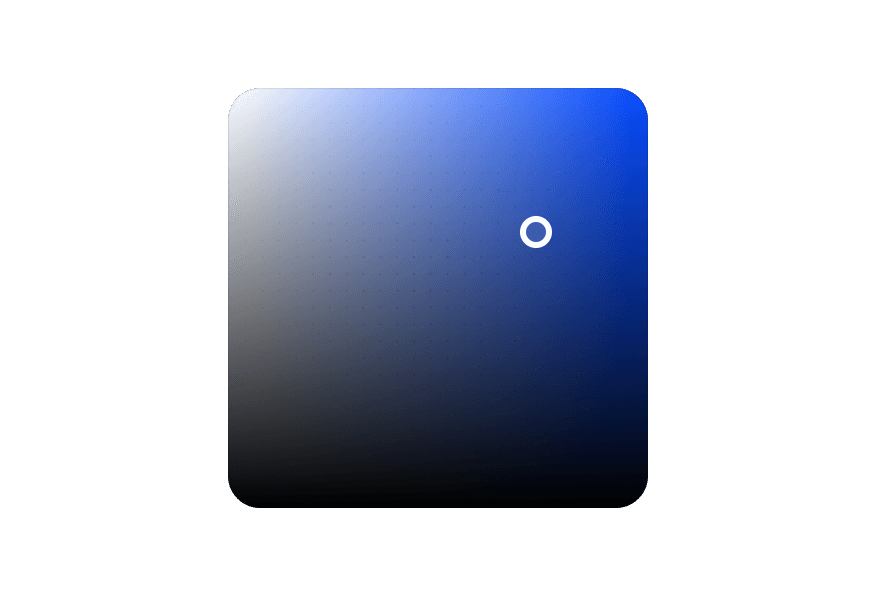
ColorPickerNew
A composable color picker that synchronizes color value between multiple color components
Import
import {
  ColorPicker,
  ColorArea,
  ColorSlider,
  ColorSwatch,
  ColorField,
  ColorSwatchPicker,
  ColorInputGroup,
} from '@heroui/react';
Usage
import {ColorArea, ColorPicker, ColorSlider, ColorSwatch, Label} from "@heroui/react";

export function Basic() {
  return (
<ColorPicker defaultValue="#0485F7">Anatomy
The ColorPicker is a composable component that combines multiple color components:
import { ColorPicker, ColorArea, ColorSlider, ColorSwatch, Label } from '@heroui/react';

export default () => (
  <ColorPicker defaultValue="#0485F7">
    <ColorPicker.Trigger>
      <ColorSwatch />
      <Label>Pick a color</Label>
    </ColorPicker.Trigger>
    <ColorPicker.Popover>
      <ColorArea colorSpace="hsb" xChannel="saturation" yChannel="brightness">
        <ColorArea.Thumb />
      </ColorArea>
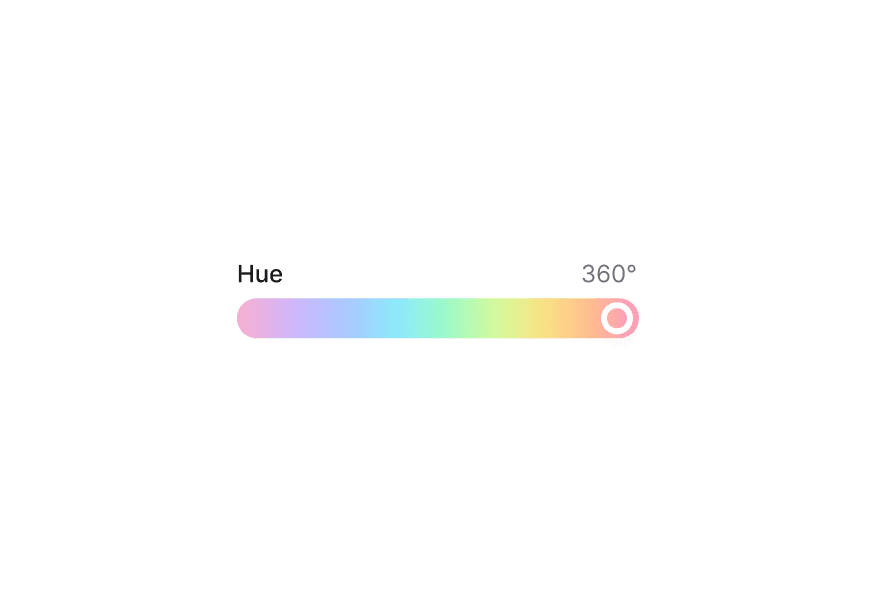
      <ColorSlider channel="hue" colorSpace="hsb">
        <ColorSlider.Track>
          <ColorSlider.Thumb />
        </ColorSlider.Track>
      </ColorSlider>
    </ColorPicker.Popover>
  </ColorPicker>
);
Controlled
Selected: #325578
"use client";

import {
  Button,
ColorArea,With Swatches
import {
  ColorArea,
  ColorPicker,
  ColorSlider,
ColorSwatch,With Fields
Use ColorField to allow users to edit individual color channel values with a Select to switch between color spaces.
"use client";

import type {ColorChannel, ColorSpace} from "@heroui/react";

import {With Sliders
Use multiple ColorSlider components to adjust each channel of a color value.
"use client";

import type {ColorChannel, ColorSpace} from "@heroui/react";

import {ColorPicker, ColorSlider, ColorSwatch, Label, ListBox, Select} from "@heroui/react";Styling
Passing Tailwind CSS classes
import { ColorPicker, ColorArea, ColorSlider, ColorSwatch, Label } from '@heroui/react';

function CustomColorPicker() {
  return (
    <ColorPicker defaultValue="#0485F7">
      <ColorPicker.Trigger className="gap-4">
        <ColorSwatch className="rounded-lg" />
        <Label>Pick a color</Label>
      </ColorPicker.Trigger>
      <ColorPicker.Popover className="p-4 rounded-xl">
        <ColorArea colorSpace="hsb" xChannel="saturation" yChannel="brightness">
          <ColorArea.Thumb />
        </ColorArea>
      </ColorPicker.Popover>
    </ColorPicker>
  );
}
Customizing the component classes
To customize the ColorPicker component classes, you can use the @layer components directive.
Learn more.
@layer components {
  .color-picker {
    @apply inline-flex;
  }

  .color-picker__trigger {
    @apply inline-flex items-center gap-4 rounded-lg;
  }

  .color-picker__popover {
    @apply p-4 rounded-xl;
  }
}
HeroUI follows the BEM methodology to ensure component variants and states are reusable and easy to customize.
CSS Classes
The ColorPicker component uses these CSS classes (View source styles):
Base Classes
.color-picker- Base container.color-picker__trigger- Trigger button.color-picker__popover- Popover container
Interactive States
The component supports both CSS pseudo-classes and data attributes for flexibility:
- Focus:
:focus-visibleor[data-focus-visible="true"] - Disabled:
:disabledor[data-disabled="true"]
API Reference
ColorPicker Props
Inherits from React Aria ColorPicker.
| Prop | Type | Default | Description |
|---|---|---|---|
value | string | Color | - | The current color value (controlled) |
defaultValue | string | Color | - | The default color value (uncontrolled) |
onChange | (color: Color) => void | - | Handler called when the color changes |
children | React.ReactNode | - | Content of the color picker (Trigger, Popover, etc.) |
className | string | - | Additional CSS classes |
ColorPicker.Trigger Props
| Prop | Type | Default | Description |
|---|---|---|---|
children | React.ReactNode | ((renderProps) => React.ReactNode) | - | Trigger content or render prop |
className | string | - | Additional CSS classes |
ColorPicker.Popover Props
| Prop | Type | Default | Description |
|---|---|---|---|
placement | Placement | "bottom left" | Placement of the popover |
children | React.ReactNode | - | Popover content |
className | string | - | Additional CSS classes |
Related Types
Color
Represents a color value. See React Aria Color for full API.
| Method | Description |
|---|---|
toString(format) | Converts the color to a string in the given format (hex, rgb, hsl, hsb, css) |
toFormat(format) | Converts the color to the given format and returns a new Color object |
getChannelValue(channel) | Returns the numeric value for a given channel |
withChannelValue(channel, value) | Sets the numeric value for a channel and returns a new Color |
parseColor
import { parseColor } from 'react-aria-components';

// Parse from string
const color = parseColor('#ff0000');
const hslColor = parseColor('hsl(0, 100%, 50%)');